How to create an interaction: Dialogue
What is it?
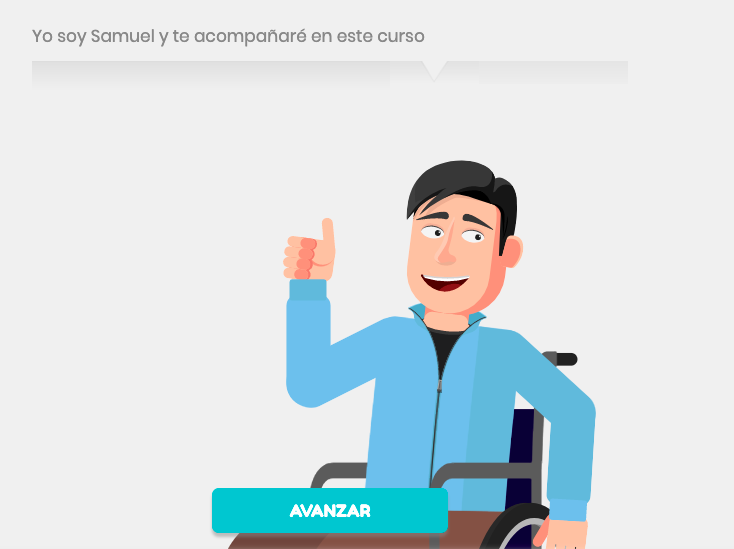
Card showing a character saying something
For what do you use it? :
Enter and close the stage; give fluidity to the stage
Some tips!
- You can have more than one character talking to each other or just one character, but remember: “sometimes less is more.”
- Try to keep a maximum of three lines of text per dialogue; Use simple, clear dialogue to keep the player's attention
- Use # to appeal to the user (the user's name appears each time # is entered)
- Some formatting tips: to bold use <b>text</b> and to italic use <i>text</i>
How is it configured?
Select a character from the list
- Select your expression
- Write the text that the character will say
Did we miss something? Don't worry! In case of doubts or queries, send an email to the support team and they will help you support@nivelat.com ✌️